Anthropic's Claude bans push Chinese developers to rent Mac minis
Anthropic's tighter Claude account checks are driving Chinese developers to rent overseas Mac minis and cloud servers to keep AI coding tools running.
Chinese developers are renting physical Mac minis in overseas data centers — or mailing Apple's small desktop to friends abroad — to keep running Anthropic's Claude Code after a wave of account bans.
The trigger is Anthropic's latest crackdown. Claude has tightened checks on access from unsupported regions, and paying monthly with a genuine foreign card is no shield: sign in through an ordinary proxy node and the account can be disabled the next day, with no refund. That has pushed engineers to rebuild how they buy, host and run their AI coding tools.
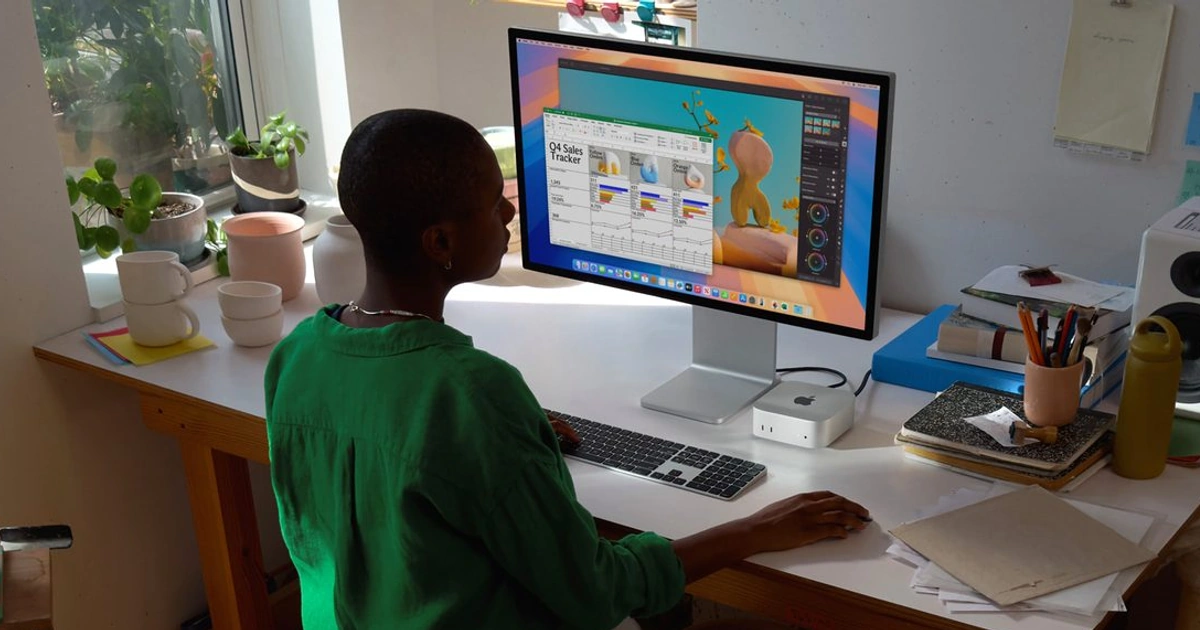
Overseas cloud providers including Google Cloud are promoting $300 in trial credits heavily. Yet many developers who write code with AI every day are lukewarm about the free machines.
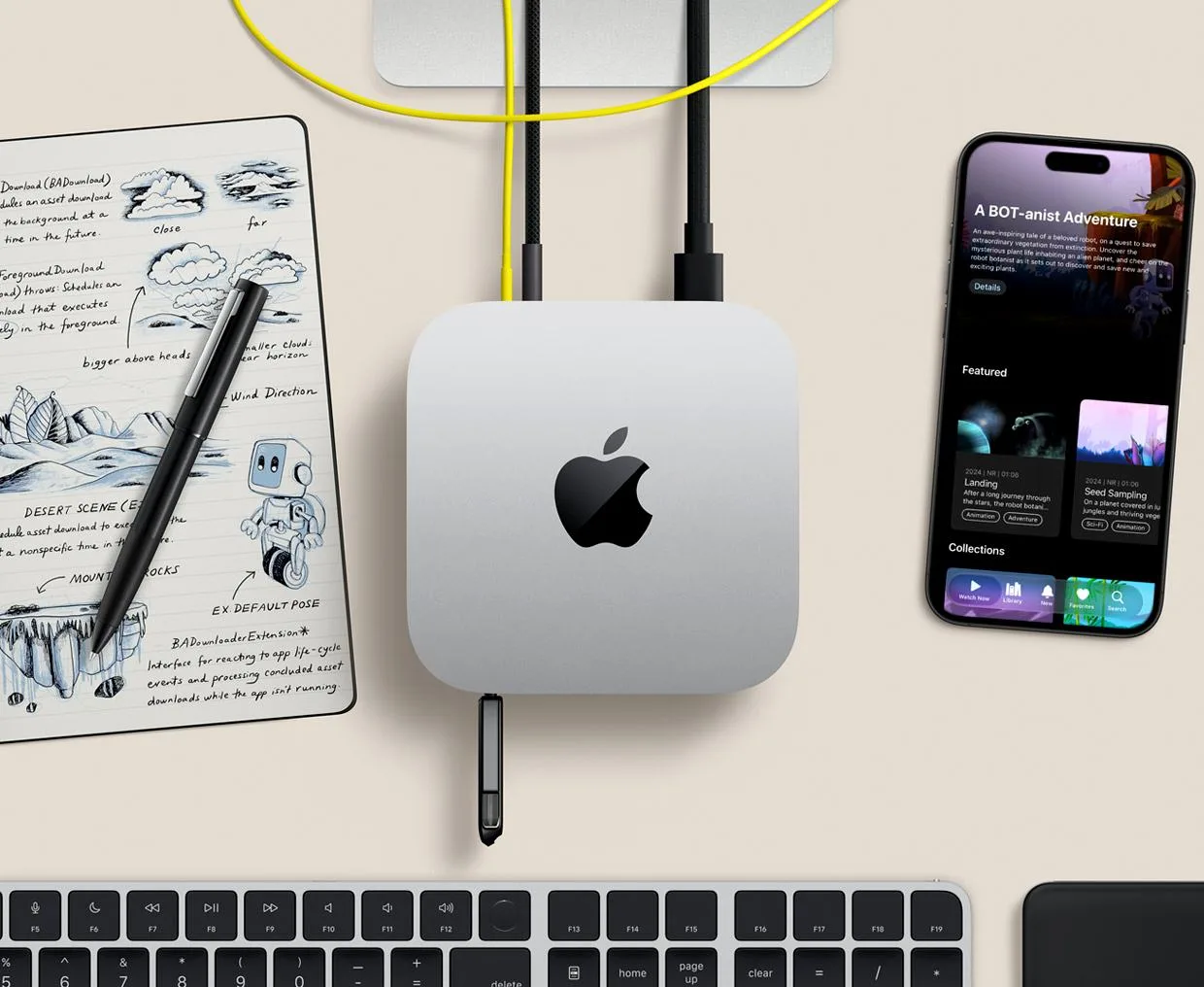
Some pay a few hundred yuan a month to rent a real Mac mini in a US or Australian data center. Others buy an Apple Mac mini outright, ship it to a friend overseas, plug it into the living-room router and connect remotely over a virtual private network.
Developers who want less hassle move the whole Codex or Claude Code environment onto an overseas cloud host, add automation scripts and turn it into an unattended background pipeline.
Web chat bans can be shrugged off with a new account. Terminal-based coding assistants are different: constant disconnections wreck the rhythm of daily work. The result is a round of experimentation with setups that stay online and, increasingly, run without anyone watching the screen.
Why a $300 cloud credit still gets you banned
The obvious fix is to skip proxies and use a major overseas cloud provider. Google Cloud, for instance, gives new accounts $300 in credits valid for three months. Developers open a Linux virtual machine in the US, install a desktop or command-line tool and sign in.
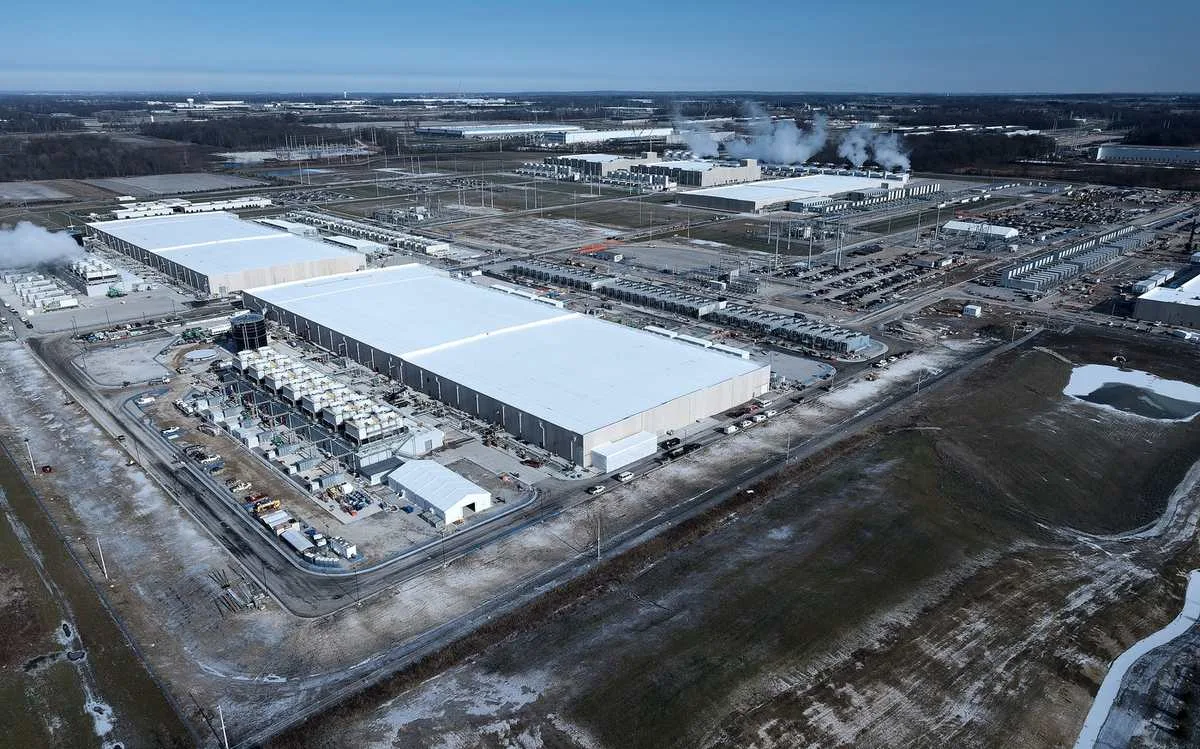
Many are shut down within days, sometimes just after linking a payment card or opening a chat window. The machine sits in a US data center and a speed test confirms the location, so why the ban?
Because risk controls have moved on. Blocking known proxy IPs was the old approach. Platforms now combine many weak signals to catch bulk scraping and access from unsupported regions.
The cloud server itself is the giveaway. Whether it runs on Google Cloud, AWS or Microsoft Azure, the data center's autonomous system number is public, and it marks the address as a data center.
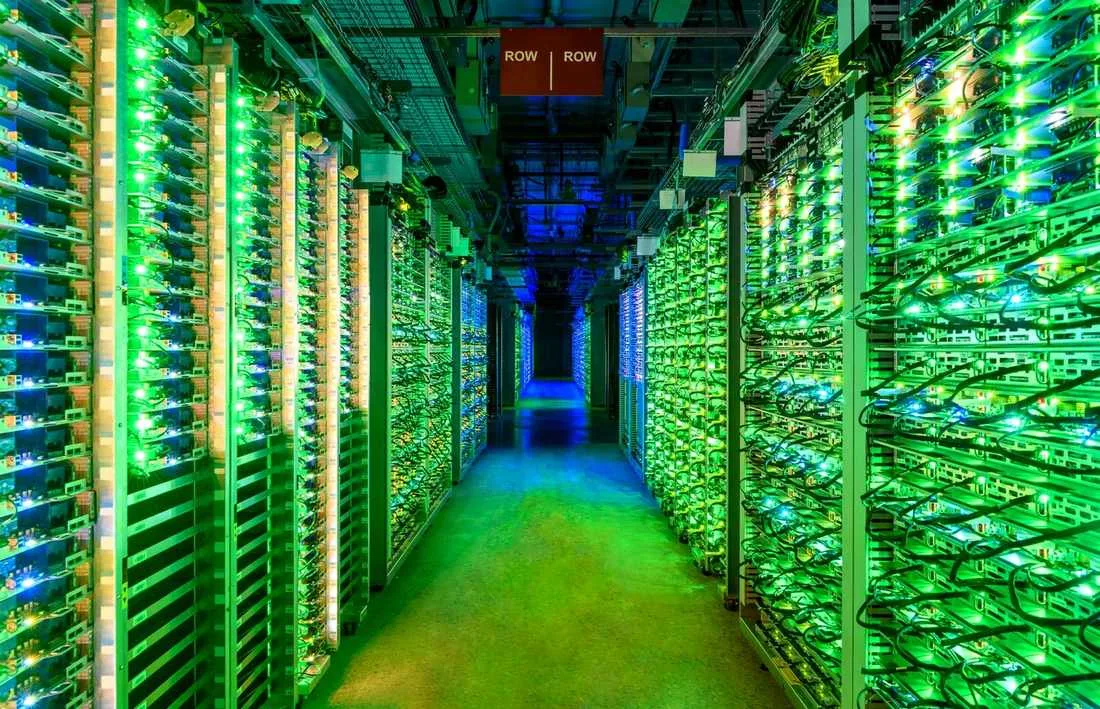
Data center IPs carry a heavy risk weight: a normal programmer does not live inside a cloud provider's internal network for months on end.
Smaller tells sit in the machine's environment. Connect from China by remote desktop and your local OS language, clipboard behavior, remote protocol and even an unadjusted time zone all leak in the background. Feed a few of those into the model and the automated ban triggers.
Newcomers burn the $300 credit and lose several hard-won overseas accounts along the way.
What renting a Mac mini actually protects against
Heavy users who need stability have gone a step further: real hardware.
Renting a physical Mac mini from an overseas data center that specializes in hosted Apple hardware is one option. Buying an M-series machine and shipping it to a friend's apartment on local home broadband is another. Paying tens of dollars a month to keep a computer abroad running one coding assistant sounds excessive. For teams that depend on the genuine Claude Code, it is currently the safest card they hold.
What they are guarding against is the client's probing of hardware and environment fingerprints. Terminal agents such as Claude Code run locally with high system privileges. According to reverse-engineering by developer communities, the client reads not only the network exit but also the network card's MAC address, the chip architecture and the kernel version. Virtual machines are assembled from standardized, simulated parts, which stand out under review.
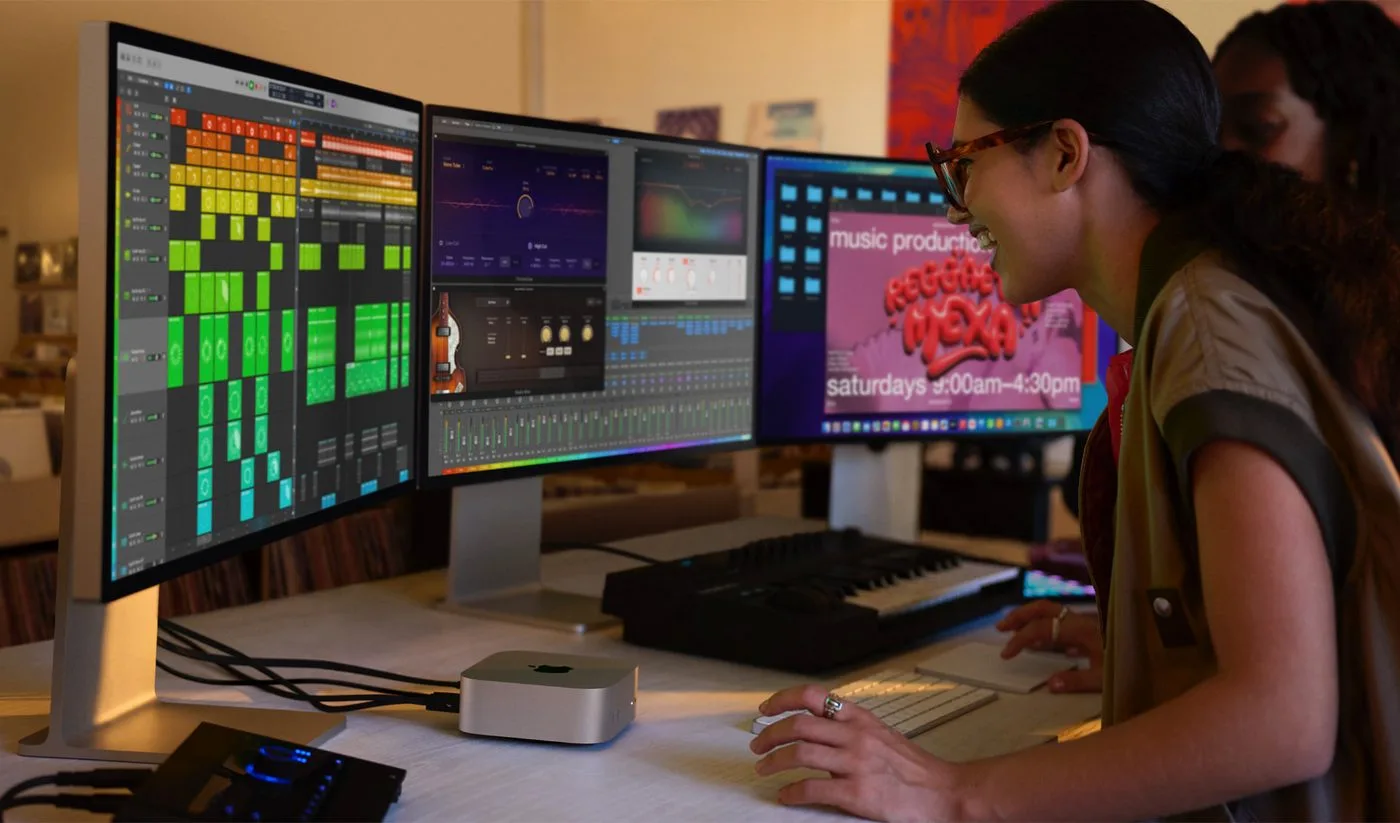
A Mac mini in an overseas home or a specialist data center has genuine Apple silicon, a physical network card and a real residential broadband connection. To avoid exposing the real network origin, users typically install a virtual LAN tool such as Tailscale or WireGuard on the mini. From a desk in China they connect through an encrypted peer-to-peer tunnel with no public proxy signature.
Residential connections and real hardware look closer to a normal personal device. Home broadband quality varies by region and nobody guarantees an account survives. But compared with gambling on blacklisted data center IPs, it is the most stable option many experienced developers have found.
Getting the most out of an overseas cloud server
A physical Mac mini is convenient but costs tens of dollars a month, a high bar for casual developers with small projects and tight budgets.
For those holding the $300 Google Cloud credit, or a cheap lightweight overseas server, developers who have learned the rules follow three practices.
First, do not use a cloud server against the personal web version, and do not run the official client directly on a data center network. Consumer web and official consumer entry points are policed hardest, because grey-market operators and promotion abusers cluster there.
Enterprise API channels are looser. Google Cloud's Vertex AI platform, for example, hosts Claude models. Third-party hosted models cannot be paid for with trial credits, but commercial API access runs on enterprise billing: pay for what you use and the account will not be banned at random. The $300 credit goes to server compute and storage.
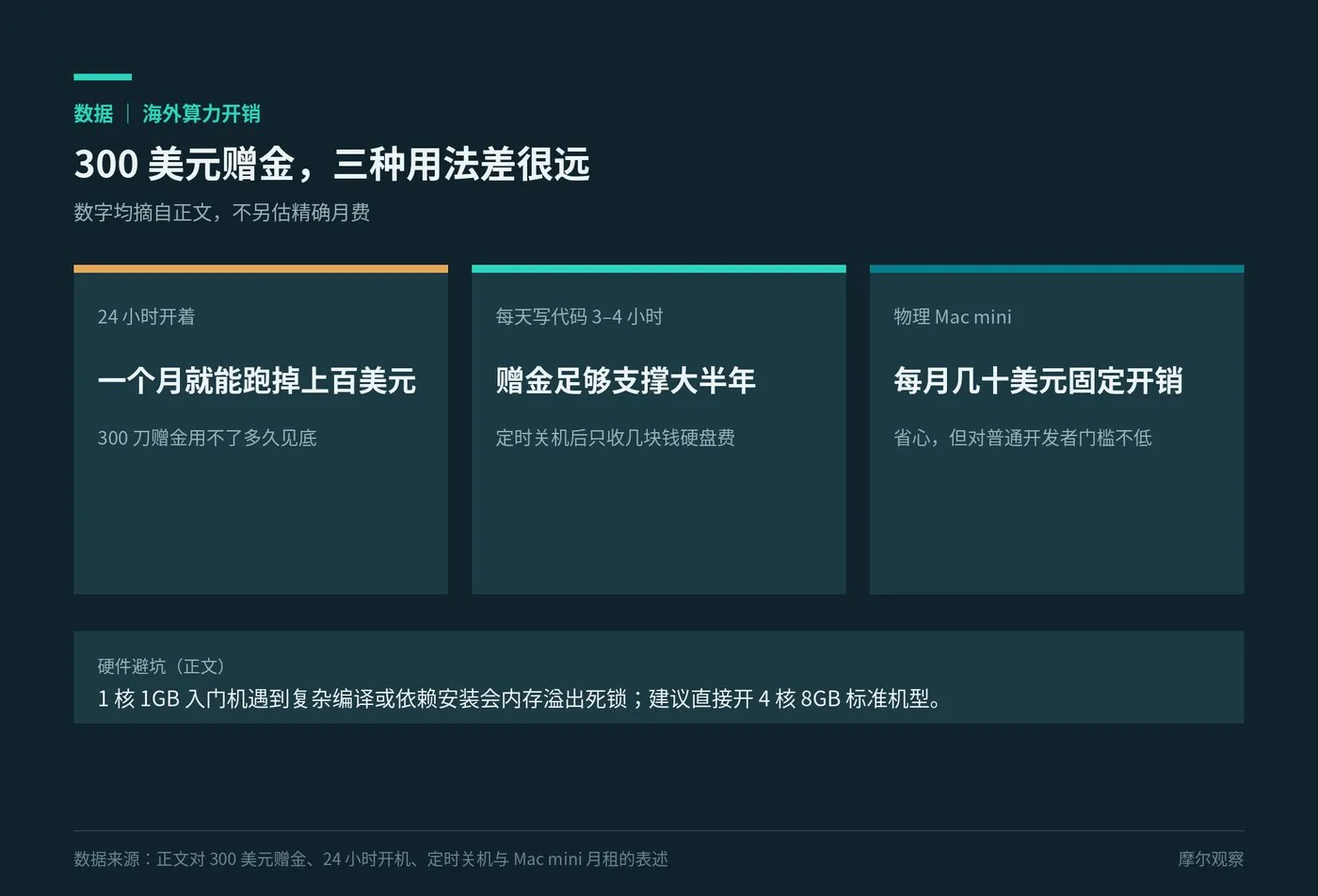
Second, avoid undersized hardware. A 1-core, 1GB entry machine looks sufficient for a command-line assistant. In practice, coding agents pull large dependencies, run build scripts and sometimes start a lightweight database in the background. One complex compile and the machine dies of memory overflow. On Google Cloud, the sensible choice is a standard 4-core, 8GB machine.
Third, schedule shutdowns. Running around the clock, a decent server can burn over $100 a month and drain the credit quickly. Actual coding time is usually three or four hours a day. A script that shuts the machine down when the user leaves or the task goes idle leaves only a few yuan a day in disk fees. Spread compute costs over hours actually used, and the credit lasts more than half a year.
Stop babysitting: let the assistant work the night shift
Once the network, channel and server are sorted, staring at the cursor is still the dumbest way to use AI.
Many developers who moved to overseas clouds also upgraded their workflow, from constant monitoring to headless, asynchronous development.
Running an AI coder locally is exhausting: network jitter, attention drain, and test runs of three to five minutes that waste time at the screen. Step away and a confirmation dialog can stall the whole afternoon.
On an overseas server, a background tool such as tmux keeps the process running in the cloud. Close the laptop, lose the connection or shut down, and the machine keeps working inside a fast overseas network.
The smoother trick is hooking into the code repository. A developer in China files a request on a GitHub repository from a phone or browser. A listening script on the overseas server wakes up, dispatches the coding assistant to pull the latest branch, understand the task, edit the code and run the full automated test suite in an isolated environment.
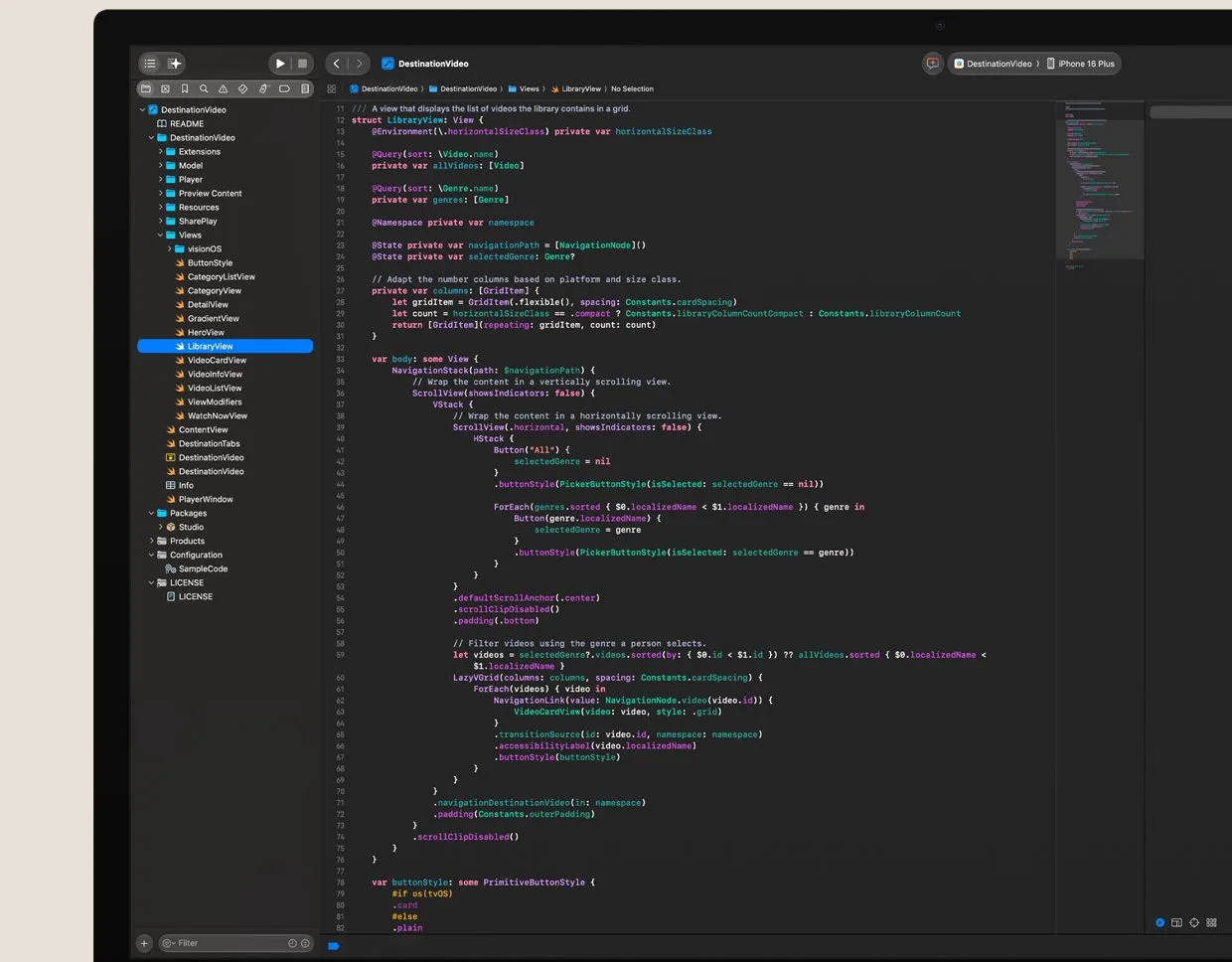
By the next morning the agent has made the changes and opened a merge request. Confirming it takes a few minutes.
Many developers moved their environments abroad only to dodge bans. After wiring up background processes and repository hooks, they found that asynchronous delivery removed the inefficient back-and-forth with the machine.
The takeaway
AI coding tools have iterated furiously over the past year, and demo videos look ever more impressive: one sentence, a few seconds, a full code architecture and a slick interface.
Real development is never that smooth. From hunting for proxy nodes to sourcing foreign cards, renting physical machines and moving entire environments to cloud servers, each round of tinkering is a search for a workable path under the rules.
Enforcement changes constantly. Today's workaround can tighten within months, and free credits run out. What lasts is not a particular Mac mini or a particular overseas card, but a stable, fault-tolerant, unattended engineering workflow built on cloud compute. Understand the tools' real limits, spend energy on habits that keep working, and there is time left to do the work.